
Is Your Website Secretly Driving Customers Away? 7 Speed Mistakes You're Making (And How to Fix Them)
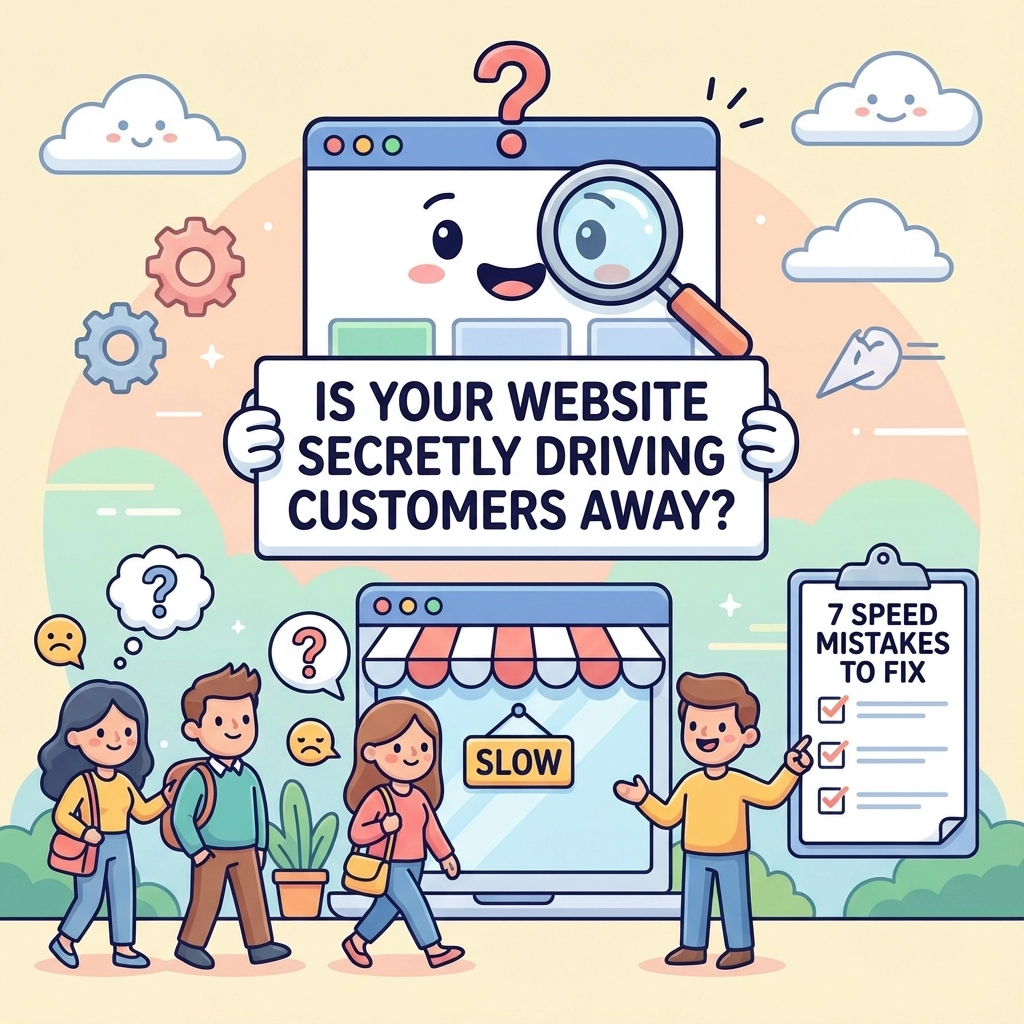
Your website might be sabotaging your business, and you don't even know it. Every second your site takes to load, you're losing potential customers. Studies show that 40% of people abandon websites that take more than 3 seconds to load. The good news? Most speed problems are surprisingly easy to fix once you know what to look for.
Think of your website like a physical store. If customers had to wait outside for minutes before the door opened, they'd walk away and shop elsewhere. The same thing happens online, except it's even faster: visitors will bounce in seconds if your site feels sluggish.
Mistake #1: Your Images Are Massive File Hogs

This is the biggest speed killer, and it's happening on almost every website. You're probably uploading photos straight from your phone or camera without thinking about file size. A single unoptimized image can be 5MB or more: that's like asking someone to download a small movie just to see your homepage.
Here's the simple fix: Before uploading any image, compress it. Use free tools like TinyPNG or Squoosh to shrink file sizes by 70% without losing visual quality. Your website will thank you, and so will your visitors' data plans.
Pro tip: Save images as JPEGs for photos and PNGs for graphics with text. And always resize images to the exact dimensions you need: don't upload a 4000px wide image if you're only displaying it at 400px.
Mistake #2: Your Theme is Bloated Like a Thanksgiving Turkey
Many website themes come packed with features you'll never use. It's like buying a Swiss Army knife when you only need a simple blade. All those extra widgets, animations, and demo content are slowing you down behind the scenes.
The fix is refreshingly simple: Clean house. Remove any plugins, widgets, or theme features you're not actively using. If your theme came with 20 different slider options but you only use one, delete the rest. Every unused feature is dead weight.
Consider switching to a lightweight theme designed for speed. Look for themes that advertise fast loading times and minimal code. Your website doesn't need to do everything: it just needs to do what matters quickly.
Mistake #3: You're Loading Everyone Else's Stuff Too
Every social media button, analytics tracker, chatbot, and external widget adds loading time. It's like inviting too many people to a party: eventually, everything slows down. Each external script your site loads is another request that has to complete before your page fully appears.
Time for an audit: Go through every external service connected to your website. Do you really need that social sharing button that gets clicked once a month? Is that analytics tool providing insights you actually use? Be ruthless: if it's not essential, remove it.
For the scripts you keep, load them asynchronously so they don't block your main content from appearing. Most platforms have settings for this: look for options like "async loading" or "non-blocking."
Mistake #4: Your Database Needs a Spring Cleaning
If your website uses WordPress or similar platforms, your database is probably cluttered with old drafts, spam comments, and temporary files. It's like having a messy closet: the more junk piles up, the harder it becomes to find what you need quickly.
Most people never clean their database, but it's easier than organizing your actual closet. Install a plugin like WP-Optimize or use your hosting provider's database cleaning tools. Set it to run monthly, and it'll automatically remove unnecessary data that's slowing things down.
This simple maintenance can shave seconds off your loading time. Plus, a cleaner database means more reliable backups and better overall performance.
Mistake #5: You're Not Using Cache (And Missing Free Speed)
Caching is like having a smart assistant who remembers frequently requested information. Without it, your website rebuilds every page from scratch for every visitor. With caching, your site serves up pre-built versions instantly.
The good news: Most hosting providers offer one-click caching solutions. Look for options in your hosting control panel, or install a caching plugin like WP Rocket or W3 Total Cache. Once activated, these tools work automatically in the background.
Don't forget browser caching too: this tells visitors' browsers to remember parts of your site so return visits load almost instantly. Most caching plugins handle this automatically, but it's worth double-checking your settings.
Mistake #6: You're Ignoring Mobile Users (That's 60% of Traffic)
More than half your visitors are browsing on phones, often on slower connections. If your site isn't optimized for mobile, you're essentially hanging a "closed" sign for the majority of potential customers.
Test your mobile speed using Google's PageSpeed Insights tool. If your mobile score is below 80, you've got work to do. Focus on reducing image sizes for mobile, simplifying navigation, and ensuring buttons are easily tappable.
Enable "responsive design" if you haven't already: this automatically adjusts your site's layout for different screen sizes. Most modern themes include this, but older sites might need updates.
Mistake #7: You're Postponing Updates (Security = Speed)
Skipping updates isn't just a security risk: it's a speed killer. Outdated plugins and themes often contain inefficient code that slows everything down. Plus, malware from security vulnerabilities can inject hidden scripts that destroy your loading times.
Make updates a monthly habit. Schedule 30 minutes to update your plugins, themes, and platform. Most updates include performance improvements alongside security fixes, so you're getting a double benefit.
If updates feel scary, create a backup first. Many hosting providers offer automatic backups, so you can always roll back if something breaks. The peace of mind is worth it, and your site will run better.
Quick Wins That Take 5 Minutes
Here are some lightning-fast improvements you can make right now:
- Enable GZIP compression in your hosting settings (reduces file sizes by 70%)
- Remove unused plugins and themes completely
- Optimize your homepage: it's usually the slowest and most important page
- Use a Content Delivery Network (CDN) to serve images faster globally
- Minimize redirects: they add unnecessary steps to loading
Remember, you don't need to fix everything at once. Start with image optimization and removing unused plugins: these two changes alone can cut your loading time in half. Your future customers will thank you by actually sticking around to see what you offer.
Website speed isn't just about technical performance: it's about respect for your visitors' time. In a world where attention spans are shrinking, a fast website shows you value the people trying to connect with your business. And that's always good for the bottom line.