
Cybersecurity Basics: How to Stay Safe Online (Even If You're Not a Geek)
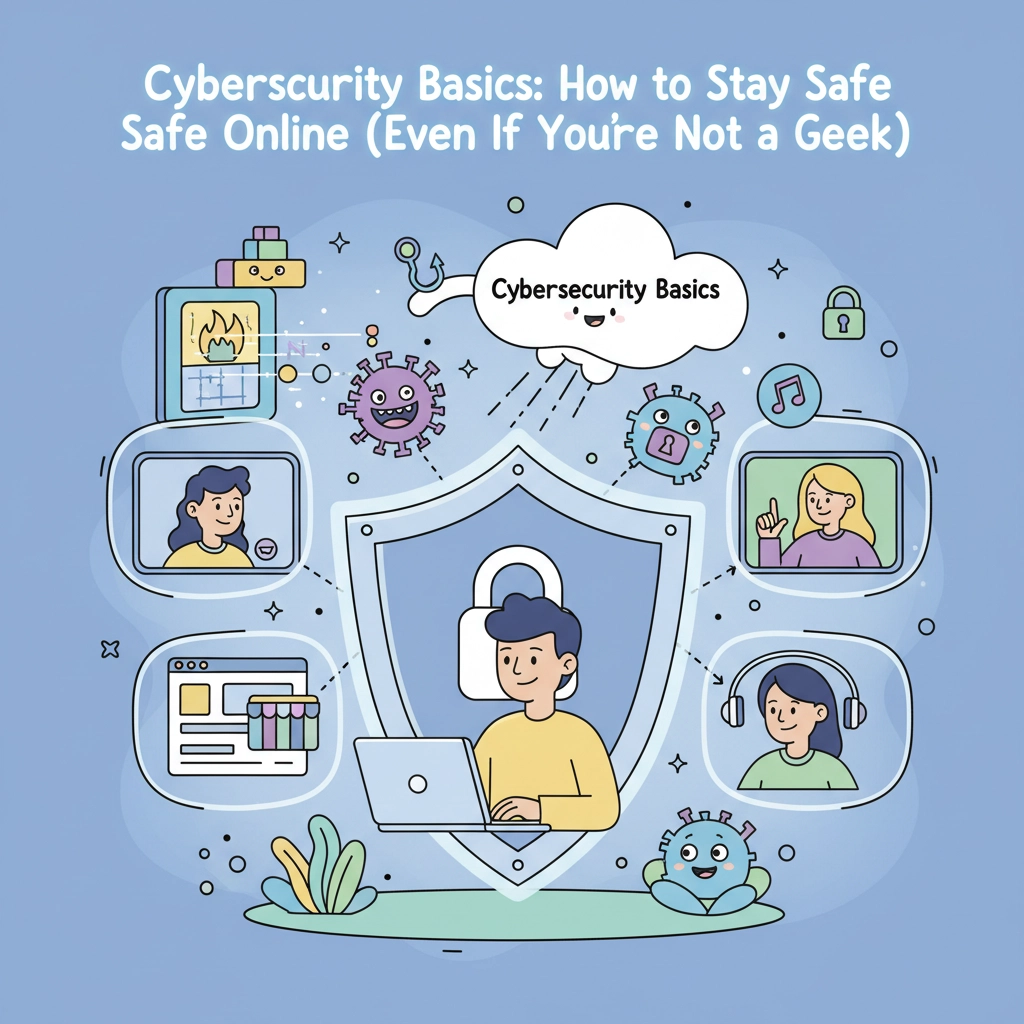
Let's be honest, cybersecurity sounds intimidating, right? You might picture hackers in dark hoodies typing furiously on multiple screens, or worry that protecting yourself online requires a computer science degree. Here's the stress-free truth: staying safe online is actually pretty simple once you know the basics.
Think of cybersecurity like locking your car or house, it's just common-sense habits that become second nature. You don't need to understand how locks work to use them effectively. The same goes for protecting yourself online. Let's walk through some manageable steps that'll give you real peace of mind.
Start With Passwords (The Foundation of Your Digital Safety)
Your passwords are like the keys to your digital life, and this is where most people feel overwhelmed. Take a deep breath, you can absolutely master this without stress.
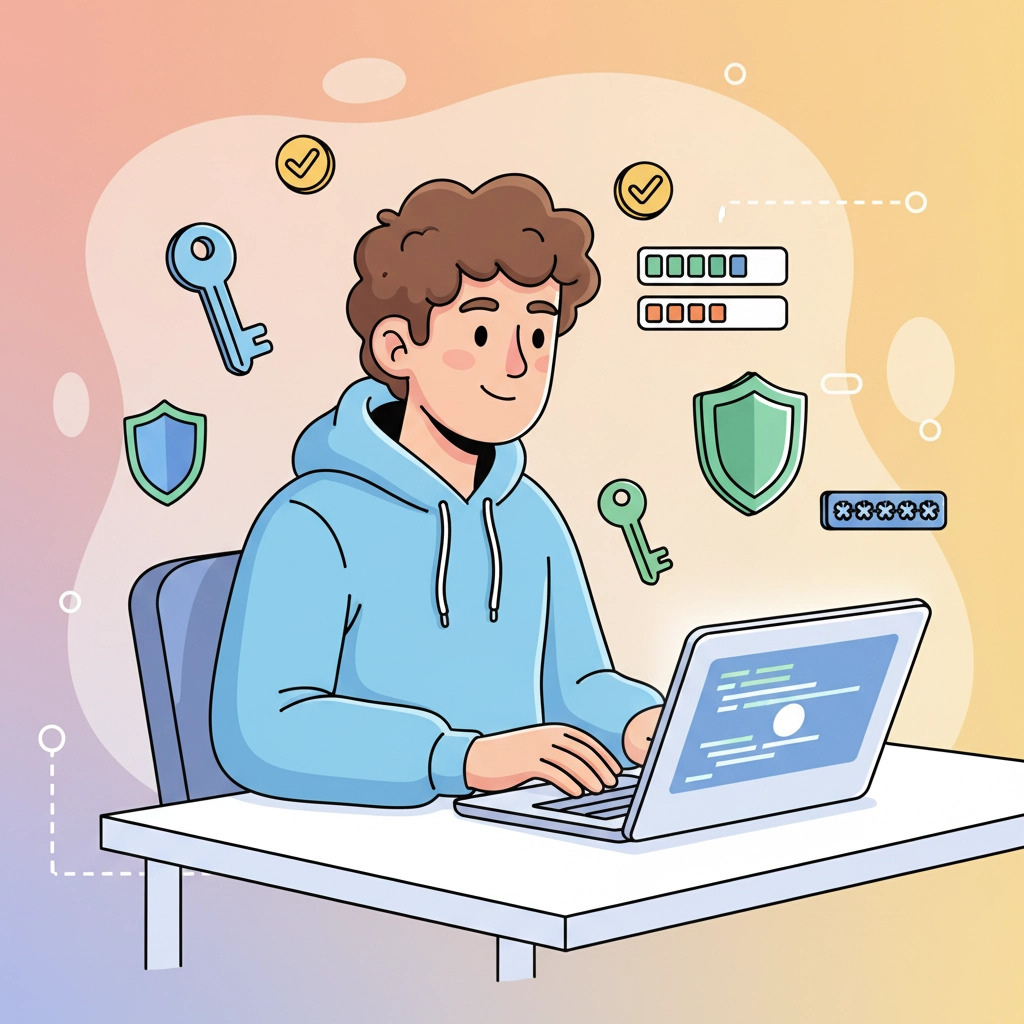
Create passwords that actually protect you. A strong password should be at least 12 characters long and mix numbers, symbols, and both uppercase and lowercase letters. But here's the thing, you don't have to memorize complex strings of random characters. Try creating a passphrase instead, like "Coffee&Sunshine2024!" It's long, memorable, and meets all the requirements.
Never reuse passwords. I know, I know, this feels impossible when you have dozens of accounts. This is where password managers become your best friend. Think of them as a secure digital wallet for all your passwords. You only need to remember one master password, and the manager handles the rest. Popular options like LastPass, 1Password, or even your browser's built-in manager can make this stress-free.
Add an extra layer with two-factor authentication. This sounds technical, but it's actually simple. When you log into an important account (like your bank or email), you'll get a text message or app notification with a code to enter. Yes, it's an extra step, but it's like having a deadbolt on your door: totally worth the minor inconvenience for the major peace of mind.
Simple Device Habits That Make a Big Difference
Your devices hold your personal information, photos, and important documents. Protecting them doesn't require tech expertise: just consistent, calm habits.
Lock your devices automatically. Set your phone, tablet, and laptop to lock after a few minutes of inactivity. Use a PIN, password, or fingerprint: whatever feels most comfortable for you. This way, if you forget your device somewhere, your information stays protected without you having to panic.
Keep your software updated. Those update notifications that pop up? Don't ignore them. Software updates often include security fixes that protect you from new threats. Set your devices to update automatically when possible, so you don't have to think about it. It's like getting a free security upgrade while you sleep.
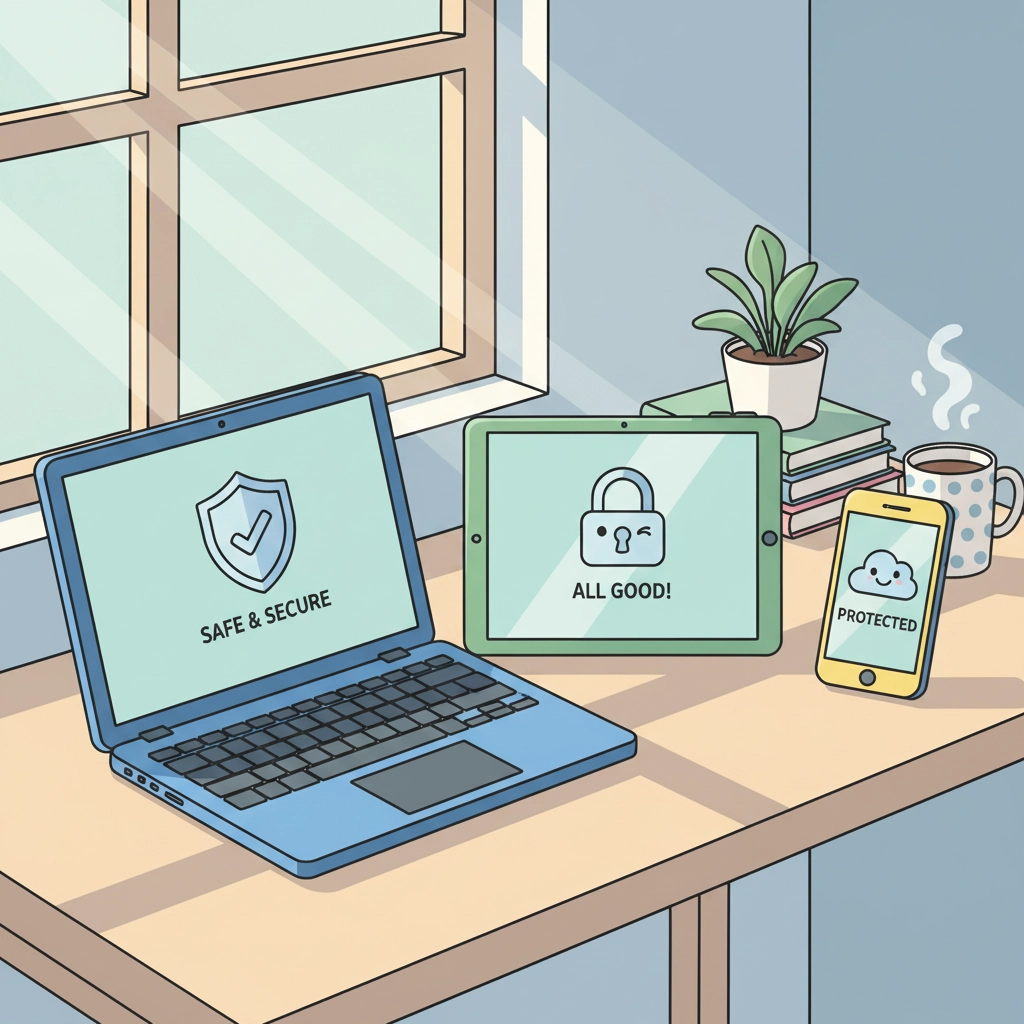
Install antivirus software on your computers. Many computers come with built-in protection, but adding an extra layer never hurts. Free options like Windows Defender (already on Windows computers) or paid solutions like Norton can run quietly in the background, catching problems before they affect you.
Email Safety Made Simple
Email is often how scammers try to reach you, but spotting and avoiding these attempts is easier than you might think.
Trust your gut with suspicious emails. If an email feels "off": like an urgent message from your bank asking you to click a link, or an unexpected package delivery notice: pause before clicking anything. Legitimate companies rarely ask for sensitive information via email.
Look for red flags without stress. Poor spelling, urgent language ("Act now or your account will be closed!"), and requests for personal information are all warning signs. When in doubt, contact the company directly using a phone number from their official website, not from the email.
Keep your email organized and clean. Set up spam filters (most email providers do this automatically), and don't hesitate to mark suspicious emails as junk. Your email provider gets better at protecting you the more you help it learn what's unwanted.
Shopping and Banking Online Safely
Online shopping and banking should feel convenient and secure, not nerve-wracking. A few simple checks can give you complete confidence.
Look for the lock icon. When you're entering sensitive information like credit card numbers, check that the website address starts with "https://" (note the "s") and shows a small lock icon. This means your information is encrypted: scrambled so only you and the legitimate website can read it.
Shop with trusted payment methods. Credit cards offer better fraud protection than debit cards, and services like PayPal add an extra buffer between your bank account and online merchants. If something goes wrong, you have more options for getting your money back.
Check your accounts regularly without obsessing. Glance at your bank and credit card statements weekly, just like you'd check your mail. Most banks offer text or email alerts for transactions, which can give you immediate peace of mind or early warning if something's amiss.
Secure Your Home Wi-Fi (Easier Than You Think)
Your home internet connection is like the front door to your digital life. Securing it properly means you can relax knowing your online activity stays private.
Change your router's default password. When you first set up your home Wi-Fi, it came with a generic network name and password printed on a sticker. Change both to something unique. Your network name can be fun ("TheBest House OnTheBlock"), but make the password strong and don't share it casually with visitors.
Use WPA3 or WPA2 security. This sounds technical, but it's usually just a dropdown menu in your router settings. These options encrypt your Wi-Fi signal so neighbors and strangers can't access your network or see your online activity.
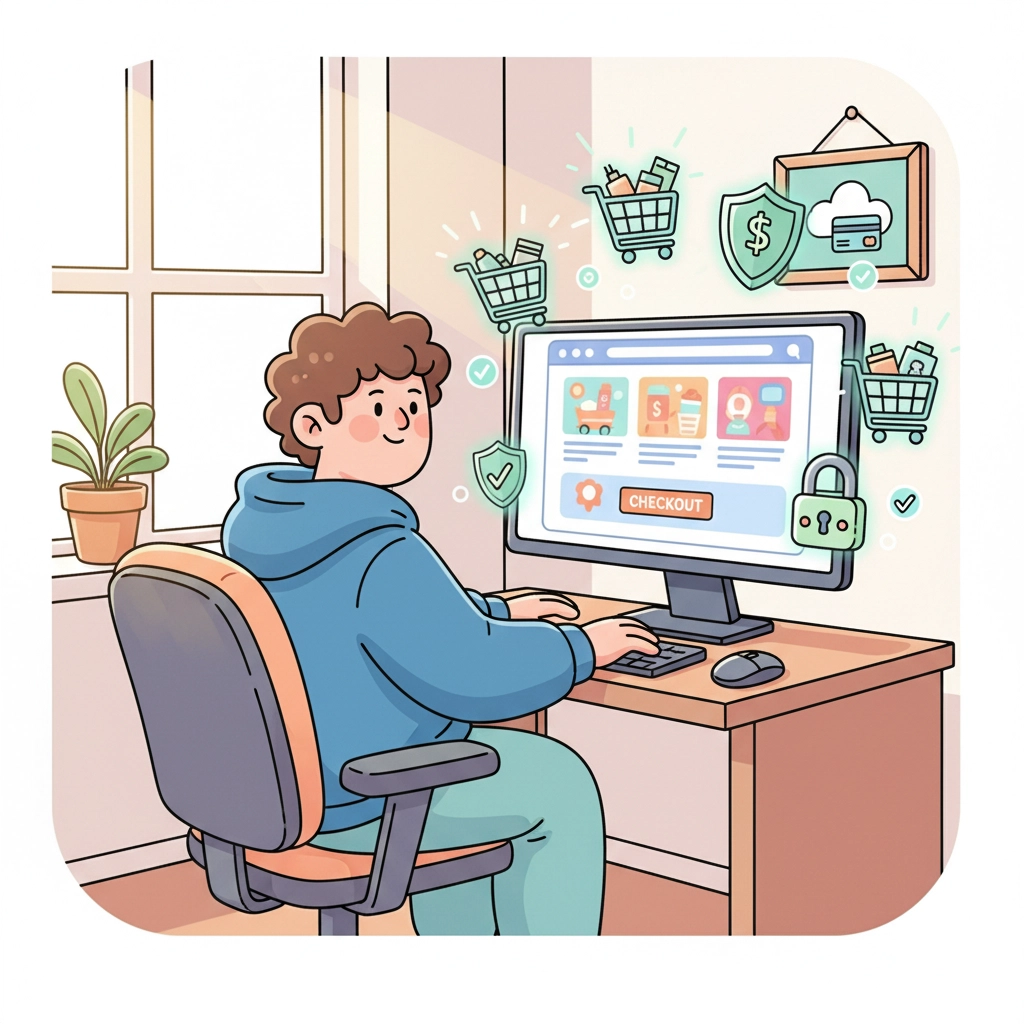
Be cautious on public Wi-Fi. Coffee shop and hotel Wi-Fi networks are convenient but less secure than your home network. Avoid accessing sensitive accounts (banking, shopping) on public networks, or use your phone's hotspot feature instead when possible.
What to Do If Something Goes Wrong (Stay Calm)
Even with the best preparation, sometimes things happen. Having a simple response plan means you can handle problems calmly and effectively.
Act quickly but don't panic. If you notice unauthorized charges, strange emails, or suspicious activity, take action promptly. Change relevant passwords, contact your bank or credit card company, and document what happened. Most issues can be resolved quickly when caught early.
Keep important contact information handy. Save the phone numbers for your bank, credit card companies, and email provider somewhere easily accessible. Many companies have 24/7 fraud hotlines specifically for these situations.
Learn from the experience without self-blame. If something does happen, focus on resolving it rather than beating yourself up. Even cybersecurity experts occasionally face these challenges: what matters is how you respond and what you learn for next time.
Making It All Feel Manageable
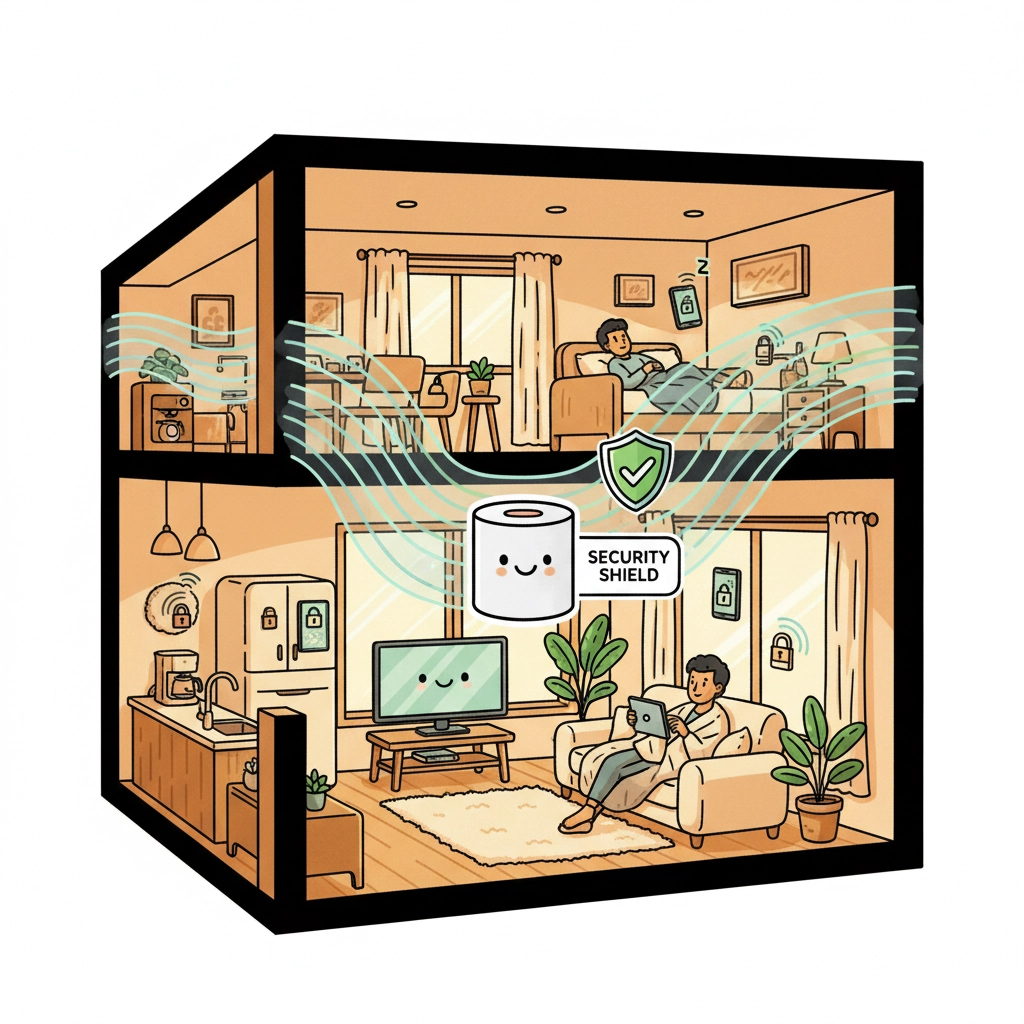
Remember, you don't need to implement everything at once. Start with strong passwords and two-factor authentication on your most important accounts: your email, banking, and main shopping sites. Once those feel comfortable and automatic, add device security and safe browsing habits.
Cybersecurity isn't about becoming a technical expert: it's about developing consistent, stress-free habits that protect what matters to you. Each small step builds on the others, creating layers of protection that work together to keep you safe.
You've got this. Take it one manageable step at a time, and soon these protective habits will feel as natural as locking your front door. Your future self will thank you for the peace of mind that comes from knowing your digital life is secure and protected.